
Josh
Admin
-
Joined
-
Last visited
Everything posted by Josh
-
-
-
-
-
-
-
-
-
-
-
-
-
-
-
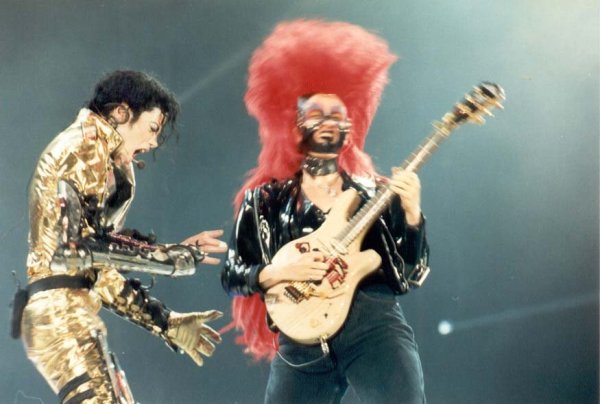
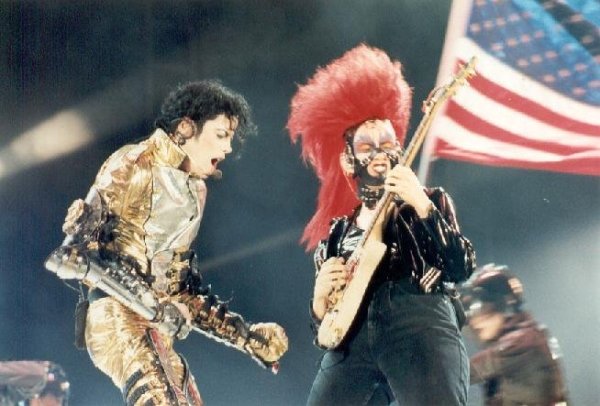
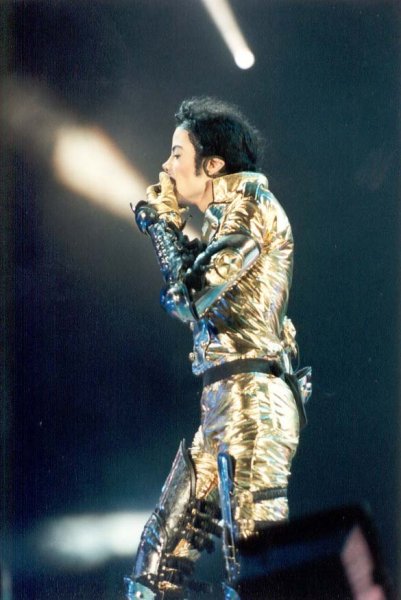
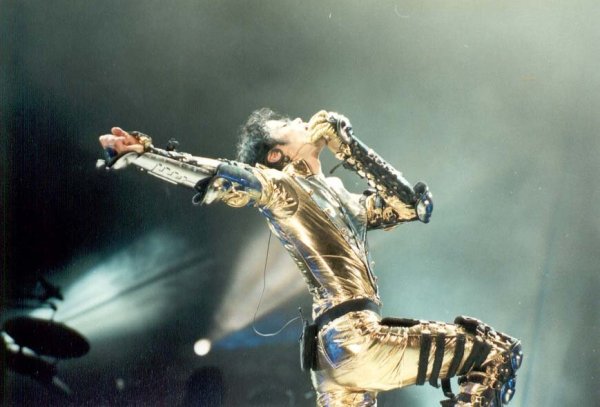
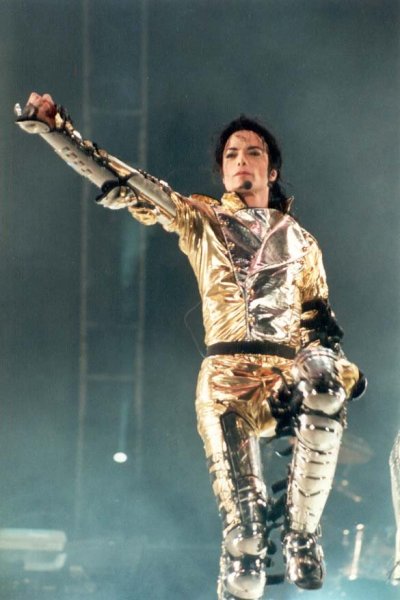
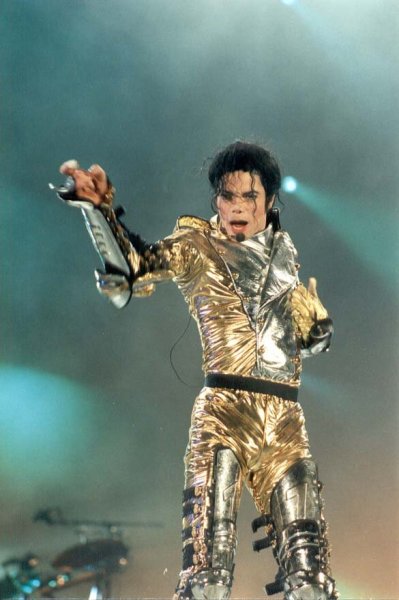
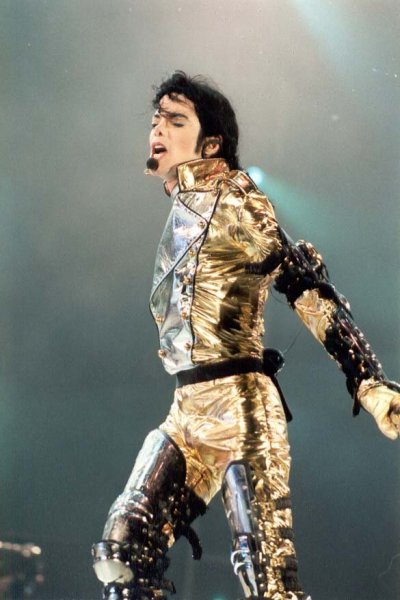
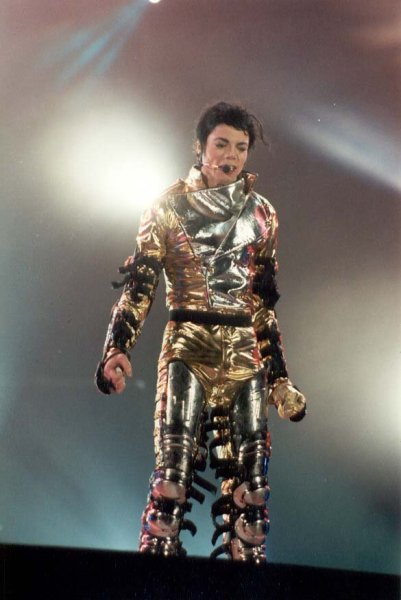
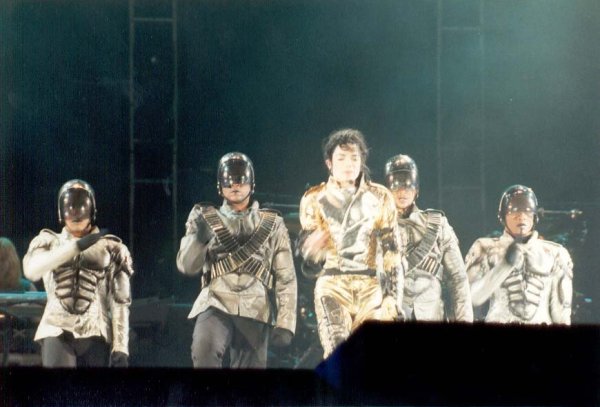
Michael's official personal site (mjjsource) once sold a picture pack to premium subscribers. these are those photos.
-
 mjjsource(MJHQ.com)113.jpg
-
 mjjsource(MJHQ.com)112.jpg
-
 mjjsource(MJHQ.com)111.jpg
-
 mjjsource(MJHQ.com)110.jpg
-
 mjjsource(MJHQ.com)109.jpg
-
 mjjsource(MJHQ.com)108.jpg
-
 mjjsource(MJHQ.com)107.jpg
-
 mjjsource(MJHQ.com)106.jpg
-
 mjjsource(MJHQ.com)105.jpg
-
 mjjsource(MJHQ.com)104.jpg
-
 mjjsource(MJHQ.com)103.jpg
-
 mjjsource(MJHQ.com)102.jpg
-
 mjjsource(MJHQ.com)101.jpg
-
 mjjsource(MJHQ.com)100.jpg
-
 mjjsource(MJHQ.com)99.jpg
-
 mjjsource(MJHQ.com)98.jpg
-
 mjjsource(MJHQ.com)97.jpg
-
 mjjsource(MJHQ.com)96.jpg
-
 mjjsource(MJHQ.com)95.jpg
-
 mjjsource(MJHQ.com)94.jpg
-
-
Our stance on AI media are as follows: MJHQ will never create any AI generated images, stories, or videos and try to pass them off as authentic. We will also not support any AI generated media. AI media is the same as photoshopping once was. All AI generated content generated by members must be posted in the fan fic section of the forum, and clearly state that they are AI generated. I will be setting up photo galleries of photos that I personally have saved and downloaded decades before AI was ever a thing, so they're safe, but all new photos will be scrutinized and analyzed accordingly. As will and new audio and video. thankfully ai is still currently easy to detect, which sadly might not be the case soon. AI is a tool and shouldn't be used to deceive, trick, and manipulate people.
-
Randomly stumbled across this tiny series of interviews with Matt Fiddes who is apparently an ex bodyguard for Michael. I can't verify, but he seems to know alot of insider stuff, and is speaking positively about Michael, so should be trust worthy. Interesting to listen to though. Must be a full link some where, but only snippets are uploaded to youtube. Also seems more clips are being uploaded everyday.
-
damn thats nuts. double that now. LOL
-
I've been gone the past few days due to a major ice storm we had here. Even though its Spring time and everything is turning green. We were supposed to get 10+ Inches of snow, instead we got it all in ice, and it broke down powerlines, and trees and cause alot of trouble. I with without power forever, whch really sucked because there was nothing to do! ha, So thats why I havent been on the past few days. I was off work that day and i planed on doing alot of work on the site, but then i couldnt which sucks. Anyways. Im glad thats all over with. Now its warm again Weird Kansas weather i guess.
-
weird one of me from the other day. looks about the same as the others ha http://www.basketcase.me/pics/me/memarch262009.jpg
-
The site was down for a while since there really wasnt a real purpose to even keep it up it seemed, but now there is Nice to see you back!
-
http://latimesblogs.latimes.com/unleashed/...awer-seein.html Does anyone even really take PETA seriously?
-
This is messed up. if Michael wants his items that are special to him, he should be able to withhold them from the sale without a single problem. I don't see why the dude from the auction company is being a prick.
-
http://www.mtv.com/news/articles/1607724/2...n_michael.jhtml
-
Wow... Older topic. Didn't see the point in creating a new one for this. so here we go I know in my first posting in this topic i said the LCD monitors hurt my eyes. Now its the other way around, ha. I love my 24" LCD mine now: http://www.mjhq.com/temp/SANY1418.jpg